Updated monthly · Last reviewed: October 2026
2026 benchmark refresh applied · Last reviewed October 2026
RFP Compliance Matrix: Template and Review Guide
A usable compliance-matrix template and the review steps behind it: requirement, source, status, evidence, owner, and sign-off.
This guide is for proposal managers and compliance leads who still keep the matrix in a spreadsheet. The goal is a table a reviewer can audit: one row per requirement, a source, a status, and an evidence pointer. BidosAI can draft those rows from an uploaded package. The spreadsheet below is the same shape, so a team can start before a workspace exists.
Who this is for
Use it when more than one person owns the response, or when the RFP cites controls that must be traced to a policy, a product screen, or a previous approved answer. It is less useful for a two-page invitation that a single author will answer in prose.
Columns that make the matrix usable
- Requirement ID. Stable, even if you later merge duplicates.
- Requirement description, in the RFP's words where you can.
- Source document and section, so a reviewer can open the original.
- Mandatory or optional, taken from the RFP rather than from optimism.
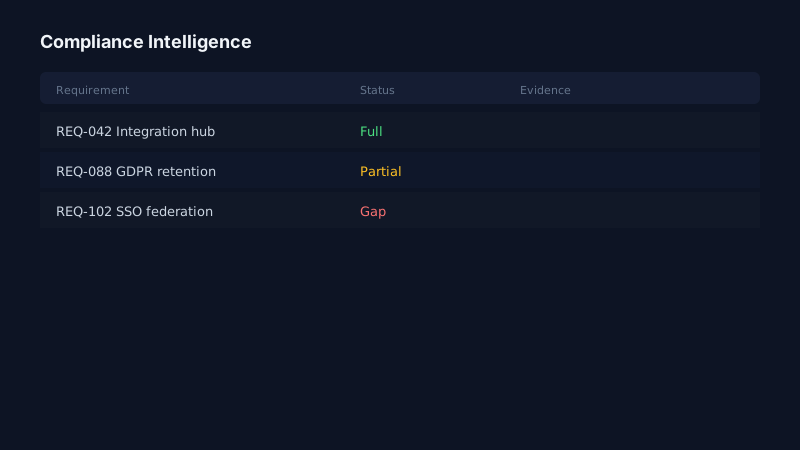
- Compliance status: compliant, partial, gap, or not applicable.
- Evidence or reference: a policy section, a product capability, or an approved historical answer.
- Owner.
- Comments and clarification questions.
- Review status: draft, in review, or accepted.
Download the Excel template. It contains those columns and one example row. It does not contain a customer's matrix.
A short workflow
Read the instructions to bidders and the requirements sections before the commercial volume, so mandatory items are not buried. Give every row an ID before anyone writes an answer. Match historical answers only when the obligation is actually the same. Mark a partial when the product covers the intent but not the named interface or control. Leave the review status as draft until a named owner accepts the evidence.
Example: "The solution shall support dual control for payment release" is not the same row as "describe your information security policy." They need different evidence. Combining them makes the matrix look finished and leaves a gap at orals.
Limitations
The template does not score the bid and does not know your product catalog. Autofill inside BidosAI still needs the same review. A downloaded file stays on your computer; this page does not upload the matrix you fill in.
Next: how autofill uses a matrix, or request a demo if you want the same columns inside a workspace.
Interactive resources
Delivery intelligence flow (expand)
RFP Package → Requirements → Compliance Matrix → Gap/WBS → Commercial Scenarios → Boardroom
ROI & calculators
Bid qualification ROI · Effort estimator · Live demo workspace
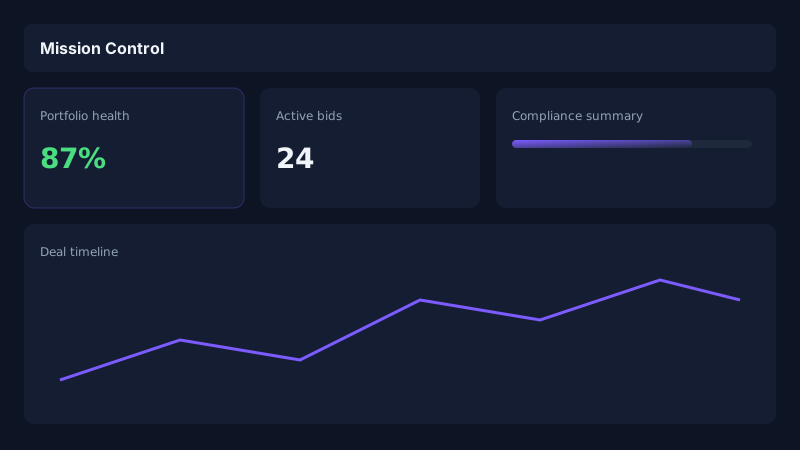
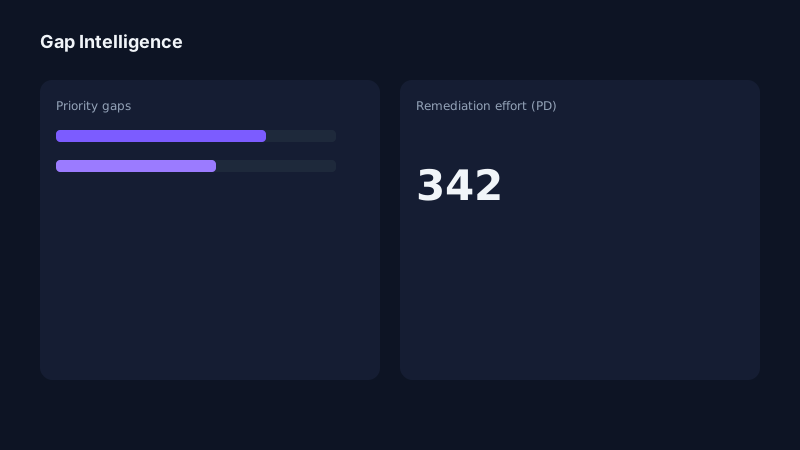
Product tour: Mission Control, compliance, and commercial intelligence — launch demo.
Product evidence

Related intelligence
Frequently asked questions
What columns should a compliance matrix include?
Requirement ID, the requirement text, source document and section, mandatory or optional, compliance status, evidence, owner, comments, and review status. The downloadable workbook uses those columns and one example row.
Interactive product tour
Explore Mission Control and compliance intelligence in the public demo workspace — no signup required.
Try Interactive Demo